
What a POD Image Toolkit Really Costs in 2026
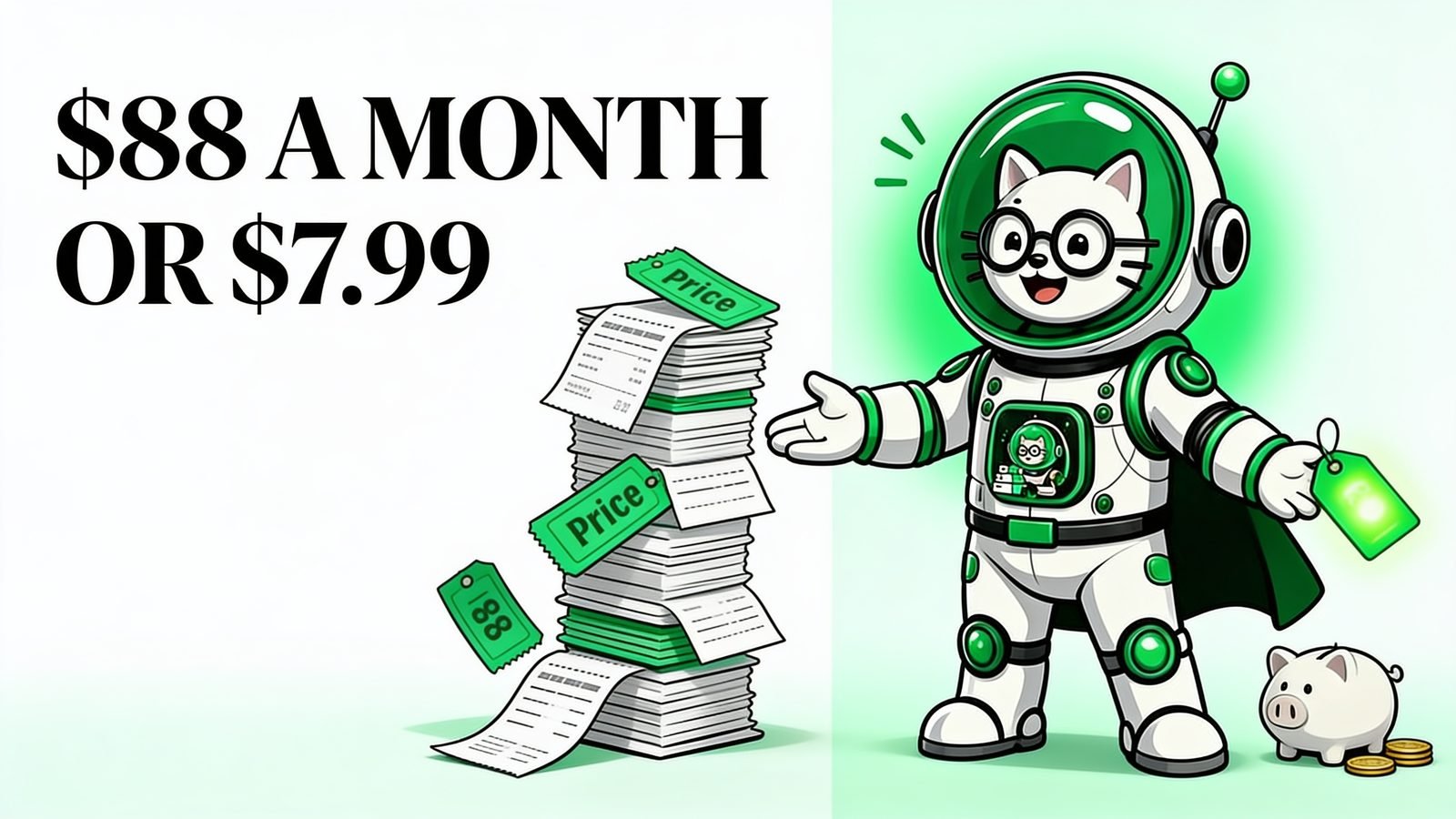
Adding up what you pay to prepare product images is an uncomfortable exercise. Each subscription looked reasonable on its own. Together they're a line item you'd notice if it appeared on a business plan.
So here's the arithmetic, with every price checked against public pricing in 2026. No estimates, no rounding in our favour.
Key takeaways
- A typical POD image stack costs about $88 a month — roughly $1,055 a year.
- Adobe Photoshop alone is $22.99/month on annual billing, or $34.49 month-to-month.
- Most of that spend buys professional design capability to do a repetitive production job.
- PodBulk covers the same jobs for $7.99/month, or free within the starter limits.
- Annual difference: about $959.
What does each tool actually cost in 2026?
Priced individually, the five subscriptions a print-on-demand seller most often ends up with total $87.93 a month. Every figure below is the publicly listed 2026 rate, using annual billing where that's the standard advertised price.
| Job | Common paid tool | 2026 price |
|---|---|---|
| Fill PSD smart objects | Adobe Photoshop (single app) | $22.99/mo |
| Mockup templates | Placeit by Envato | $14.95/mo |
| Mockup rendering | Smartmockups (via Canva) | $18.00/mo |
| AI image upscaling | Topaz Gigapixel (Personal) | $12.00/mo |
| Bulk QR codes with logos | QR Code Chimp (Pro) | $19.99/mo |
| Total | $87.93/mo |
That's $1,055.16 a year. And it's a conservative build — on month-to-month billing Photoshop rises to $34.49, Topaz Pro is $499 a year, and QR Code Chimp's top tier is $49.99 a month. The same stack on its most expensive tiers passes $150 a month.
Worth stating plainly: these are good tools. Photoshop is the industry standard for a reason and Topaz produces excellent upscales. The question isn't whether they're worth their price to a professional retoucher. It's whether a POD seller filling smart objects needs all of it.
Why is Photoshop the expensive part?
Because you're renting a professional design application to perform a mechanical task. Adobe prices Photoshop at $22.99 a month on annual billing for the full editor — compositing, retouching, colour work, the lot. Filling a smart object with artwork and exporting uses a sliver of that.
The dependency is the real cost, though, not the fee. Photoshop has to be installed on a specific machine, which means the mockup step is tied to that desktop. Change computers, travel, or hand work to a VA and the workflow doesn't travel with you.
That's the pressure that reshaped this category. BulkMockup, the best-known Photoshop-script approach to bulk mockups, peaked at 2,718 monthly organic visits in January 2026 and had fallen to 422 by 27 June 2026 — down 59% year over year and 84% from its peak (Semrush organic trend export, June 2026). Interest in bulk mockups didn't collapse; interest in needing Photoshop first did.
What about the cheaper mockup services?
Placeit and Smartmockups solve the install problem, and they're genuinely easier than Photoshop. The trade is what you're allowed to use. Placeit costs $14.95 a month (or $89.69 a year, about $7.47 a month) and gives you unlimited downloads from its own 30,000-template library — but only its library.
For a POD seller that limitation compounds. Your competitors are pulling from the same catalogue, so listings converge on the same handful of shirt shots. And the PSD templates you've already bought — the ones matched to your actual products — can't be used at all.
Smartmockups sits in a similar spot at around $18 a month through Canva, and is being folded into Canva rather than continuing standalone. Neither service fills your own PSDs, which is the specific job most sellers need done.
The same jobs, priced differently
PodBulk covers those jobs for $7.99 a month, and the free tier is a working allowance rather than a trial: 60 points a month, 10 images per batch, 3 PSD templates × 5 designs per run, with no watermark on output.
| Separate subscriptions | PodBulk | |
|---|---|---|
| Monthly | $87.93 | $7.99 |
| Yearly | $1,055.16 | $95.88 |
| Your own PSDs | Photoshop only | Yes |
| Install required | Yes (Photoshop) | No — browser |
| Files leave your device | Varies by service | No — renders locally |
The annual gap is about $959. For most sellers that's a meaningful number — roughly the cost of a print run, a product photography session, or a quarter of ad spend.
One honest caveat: this compares the jobs PodBulk actually does. It isn't a photo editor, so it doesn't replace Photoshop for retouching, compositing or illustration. If you need those, you still need Photoshop — you just may not need Placeit, Smartmockups, Topaz and a QR subscription alongside it.
I didn't build this to undercut Adobe. I built it because I was paying four subscriptions to do one repetitive job, and none of them let me use the templates I'd already bought. — Gamer, PodBulk founder
What do you give up at $7.99?
Batch ceilings, mostly. The paid plan covers 20 PSD templates × 50 designs per run with 350 points a month — generous for a typical drop, but a very high-volume seller will hit it. Processing also happens on your own machine, so a large AI upscale batch depends on your hardware rather than a rented GPU.
You also don't get a stock template library. PodBulk fills PSDs; it doesn't supply them. If you have no templates and don't want to buy any, a library service like Placeit genuinely suits you better — that's a real difference in what the products are for.
What you don't give up is privacy or output quality. Rendering happens locally, so templates and unreleased artwork stay on your device, and the underlying techniques — Lanczos resampling for resizing, Real-ESRGAN for AI upscaling — are the same well-established methods paid tools use.
Which subscriptions can you actually drop?
Cancel by job, not by tool. The useful question isn't "is Photoshop worth $22.99?" but "what am I still using Photoshop for once mockups move elsewhere?" Sellers usually find their subscriptions fall into three groups, and only one is genuinely locked in.
Locked in: original artwork. If you draw, paint, composite or retouch, you need a real editor and no batch tool substitutes for it. Keep that subscription and stop feeling bad about it.
Usually droppable: template libraries and single-purpose utilities. Placeit and Smartmockups exist to supply mockup scenes. If you already own PSD templates that match your actual products, you're paying monthly for a catalogue you don't use. The same logic applies to a standalone QR subscription at $19.99 a month if you generate codes a few times a year.
Depends on volume: AI upscaling. Topaz Gigapixel at $12 a month is excellent and worth it if you upscale constantly. If you rescue a handful of low-res files per launch, a browser-based Real-ESRGAN pass covers the same need without a standing charge.
Deciding without taking our word for it
Audit before you switch. List what you pay for image work each month, then mark which subscriptions exist purely to prepare product images versus to create original artwork. The first group is the one worth questioning.
Then test rather than trust a table. Run your real templates and your real designs through the free tier and compare the output against what you're paying for now. It costs nothing and takes a few minutes, which is a better basis for a decision than any comparison article — including this one.
If the mockup step is what's eating your evenings, start with how to bulk replace smart objects. For the wider workflow, see how POD sellers save hours on product images, or browse the full toolkit.
Prices verified against publicly listed 2026 pricing on 26 July 2026. Subscription rates change — check current pricing before deciding.
Frequently asked questions
How much does a print-on-demand image toolkit actually cost?
Priced individually in 2026, a typical stack runs about $88 a month: Adobe Photoshop single app at $22.99, Placeit at $14.95, Smartmockups through Canva at $18, Topaz Gigapixel Personal at $12, and QR Code Chimp Pro at $19.99. That's roughly $1,055 a year before you sell anything.
Do I need Photoshop to fill PSD mockup templates?
No. The PSD format is readable outside Adobe's software, so a smart object can be filled without a Creative Cloud licence. PodBulk opens the same templates in your browser and places your design into the smart object - no install, no subscription.
Is Placeit cheaper than PodBulk?
Placeit is $14.95 a month month-to-month, or $89.69 a year (about $7.47 a month) if you pay annually - so its annual rate is close to PodBulk's monthly price. The bigger difference is what you can use: Placeit restricts you to its own template library, while PodBulk fills any PSD you own or purchase.
What does PodBulk cost?
Free to start, with 60 points a month, 10 images per batch, and 3 PSD templates x 5 designs per mockup run - no watermark on your output. The paid plan is $7.99 a month ($95.88 a year) and raises that to 20 PSDs x 50 designs with 350 points. Bulk Rename is free and unlimited on every plan.
Where does the money actually go in these subscriptions?
Mostly into capability you don't use. Photoshop is a full professional editor priced for professional editing, but filling a smart object uses a fraction of it. You're paying for a design application to do a production job.
Is a free tool going to be worse?
For batch image work, not necessarily - the underlying techniques are well established. Resizing uses Lanczos resampling, AI upscaling uses Real-ESRGAN, and smart object filling is a documented PSD operation. Running them in your browser changes where the computation happens, not the quality of the maths.
Stop making mockups one by one
PodBulk turns your PSD templates + designs into bulk, listing-ready mockups right in your browser — no Photoshop, no install.