
Printify vs Photoshop Mockups: Which Is Better in 2026?
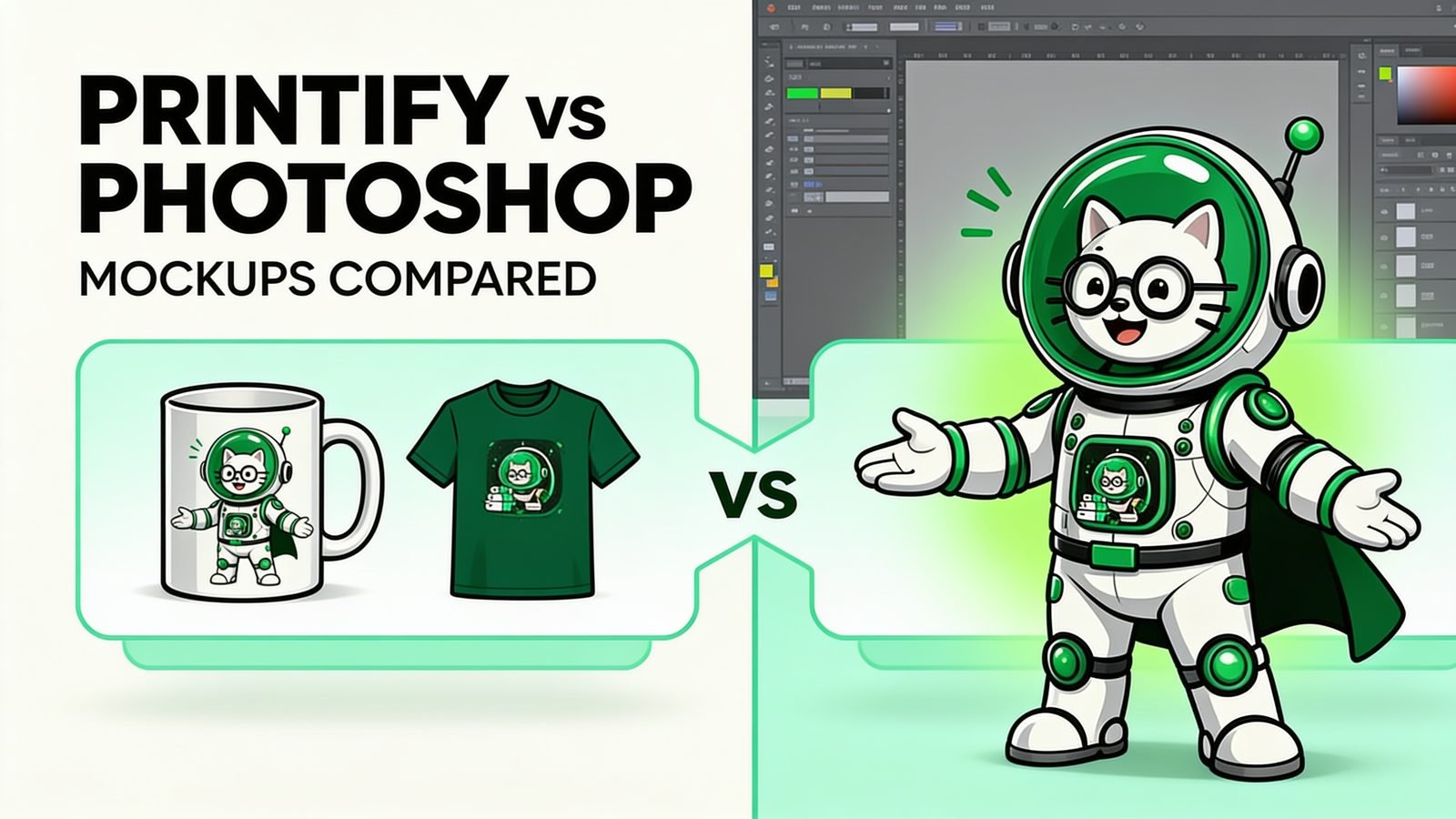
If you sell print-on-demand, your product photos are really product mockups — and how you make them decides how fast you can launch and how good your listings look. Two common routes are Printify’s built-in mockups and doing it yourself in Photoshop. Here’s an honest comparison, plus a faster third option.
What Printify’s built-in mockups give you
When you create a product in Printify, it automatically shows your design on a set of preview images — a t-shirt on a model, a mug on a table, a poster on a wall. These are generated for you, instantly, at no extra cost, and they sync straight to your store.
That convenience is real. For a brand-new seller, it removes a whole step. But there are trade-offs:
- Everyone uses the same templates. Thousands of other Printify sellers show the same blanks in the same scenes, so your listing blends in.
- Limited angles and scenes. You get what Printify offers for that product — you can’t drop in your own branded background or a specific lifestyle shot.
- Little control over the look. Placement, crop, and styling are mostly fixed.
What Photoshop mockups give you
The classic pro route is a PSD mockup template with a smart object — a special layer you drop your design into, and it warps realistically onto the shirt, mug, or poster with the right shadows and folds. You control everything: your own templates, your own scenes, your own branding.
The downside is the cost of entry:
- You need Adobe Photoshop — a paid subscription, installed on a capable computer.
- There’s a learning curve. Smart objects, exporting, and batch scripts take time to learn.
- Doing it in bulk is painful. Even with a script, you’re tied to Photoshop being open and your machine doing the heavy lifting.
Printify vs Photoshop: side by side
| Printify mockups | Photoshop mockups | |
|---|---|---|
| Cost | Free | Paid Adobe subscription |
| Your own templates | No | Yes |
| Control over look | Low | High |
| Unique vs other sellers | Low | High |
| Skills needed | None | Moderate–high |
| Bulk capability | Per product | Possible, but tied to Photoshop |
| Install required | No | Yes |
The gap most sellers fall into
Here’s the problem: Printify is free but generic, and Photoshop is powerful but expensive and slow to scale. Sellers who want their listings to stand out reach for Photoshop — then get stuck doing mockups one design at a time, or fighting with a script and an install.
What most sellers actually want is the control of Photoshop without the cost and friction of Photoshop, and the ability to do it in bulk.
The third option: bulk mockups in your browser
This is exactly the gap PodBulk fills. You bring your own PSD mockup template (the same kind you’d use in Photoshop, with a smart object layer) and your design images. PodBulk fills the smart object with each design and renders finished mockups — repeated automatically across every design and template in one batch, all inside your web browser.
That means:
- No Photoshop — no Adobe subscription, no install, no skills required.
- Your own templates — keep the branded, unique look that makes listings stand out.
- Bulk speed — on a good computer you can produce around 200 mockups in roughly 10 minutes.
- Private — rendering happens on your device; your files never get uploaded to a server.
You still get Printify’s convenience for fulfillment — PodBulk just gives you better, more unique listing images to upload, without paying for Photoshop.
So which should you use?
If you’re brand new and just testing, Printify’s free mockups are a fine starting point. If you want listings that stand out and you’re ready to use your own templates, you don’t have to jump to a full Photoshop subscription — a browser tool built for bulk gets you there faster and cheaper.
Want to see how PodBulk stacks up against the other big browser tool? Read Placeit vs PodBulk, or check the full FAQ and plans and pricing.
2026 update: where PodBulk Vortex fits
For the workflow described in Printify vs Photoshop Mockups: Which Is Better in 2026?, Vortex is the current PodBulk option for moving supported PSD rendering to the cloud. That matters when comparing tools: PodBulk is no longer only a local browser workflow. Premium users can use Vortex for supported cloud PSD batches, while Focus and multiFocus still provide precise Smart Object targeting and Complex remains available for demanding warped placements.
See the current PodBulk Vortex overview and the Photoshop script versus Vortex comparison.
FAQ
Do I need Photoshop to make POD mockups?
Are Printify’s free mockups good enough?
Can I use my own PSD templates without Photoshop?
Frequently asked questions
Does Printify create product mockups?
Printify's product workflow provides mockup views connected to products in its catalog. Available views and controls can change, so confirm the current product interface.
Do I need Photoshop for Printify mockups?
No. Printify can generate catalog-linked previews. Photoshop is useful when building or editing custom PSD mockup scenes outside the provider workflow.
Why use a custom PSD instead of a Printify mockup?
A custom PSD can preserve owned or licensed photography and a distinctive brand style. It must accurately match the configured Printify product, color, and placement.
Can PodBulk and Printify be used together?
Yes. Printify handles product configuration and fulfillment, while PodBulk can batch additional approved product images from your own PSD templates.
Which option is faster for many designs?
Provider mockups are convenient for individual configured products. A reusable PSD batch can be faster when many finished designs must be applied to the same approved branded scenes.
Which mockups are more accurate?
Catalog-linked provider mockups are the safer starting point for the selected product. Custom scenes can be accurate too, but the seller must verify product shape, color, print scale, placement, and production method.
Stop making mockups one by one
PodBulk turns your PSD templates + designs into bulk, listing-ready mockups right in your browser — no Photoshop, no install.