
How to Generate 100 or 1,000 Mockups From PSD Templates Without Photoshop
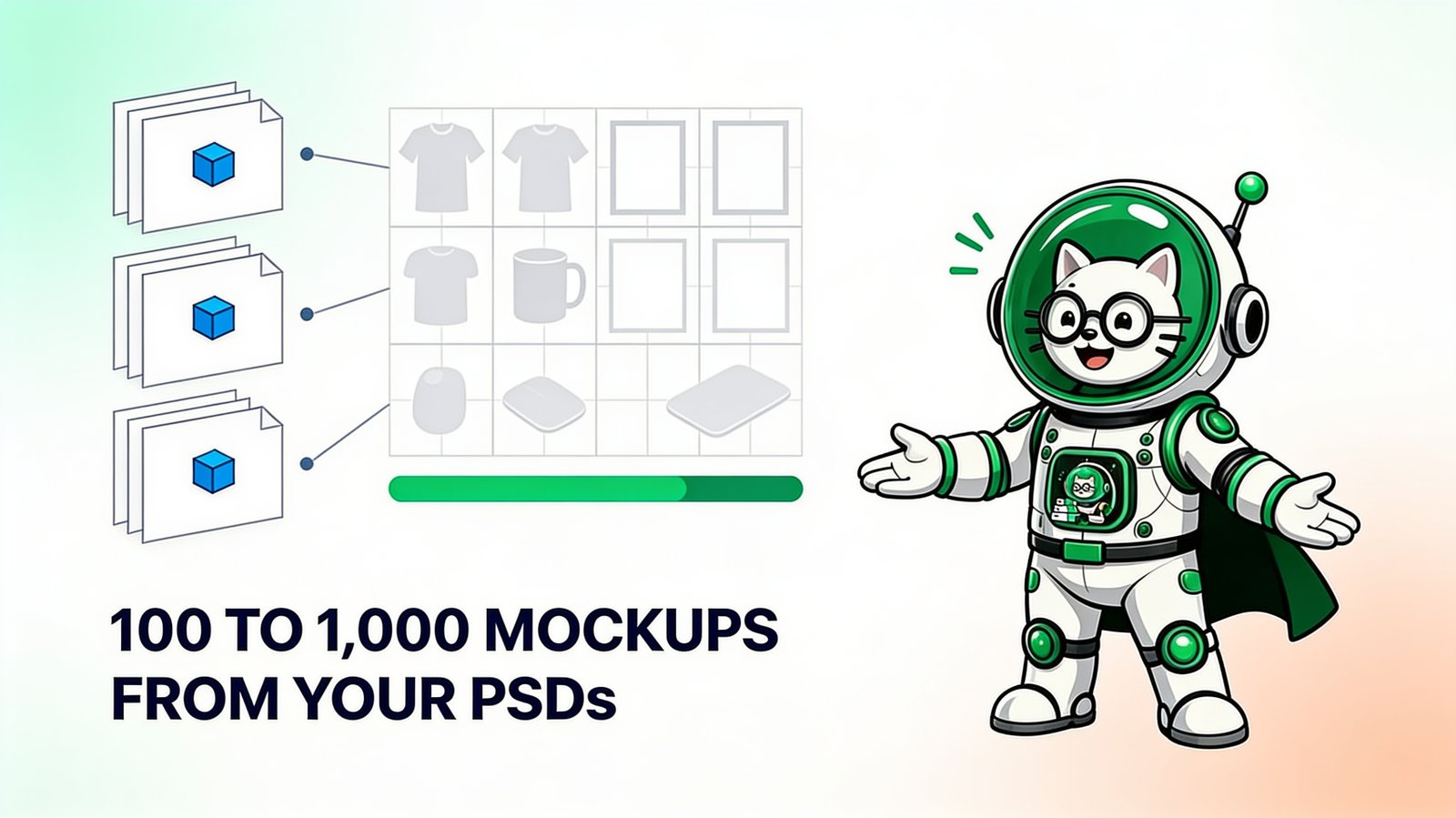
To generate 100 or 1,000 mockups from PSD templates without Photoshop, calculate the design-template matrix, prove each template with difficult artwork, split the matrix into plan-sized numbered runs, process it in a browser batch generator, and verify every output count before publishing.
If you searched for “generate 100/1,000 mockups from PSD,” this is the complete production plan: batch PSD mockups without Photoshop, preserve your own template style, and make every run recoverable. Before scaling, use the PSD mockup folder organization guide to separate designs, templates, proof sets and exports.
The hard part is not clicking Generate. It is ensuring that file 937 belongs to the correct design, template, product, and run—and that one bad PSD does not create hundreds of bad images. This guide treats large mockup generation as a small production system.
The large-batch formula
designs × PSD templates × required variation passes = total mockups
- 10 designs × 10 PSD templates = 100 mockups.
- 20 designs × 5 PSD templates = 100 mockups.
- 50 designs × 20 PSD templates = 1,000 mockups.
- 100 designs × 10 PSD templates = 1,000 mockups.
Do not count color or angle variations twice unless they require separate rendered outputs. Write the formula and expected total into a run manifest before processing anything. For an Etsy-specific use of the 50 × 20 matrix, map the templates with the 20-photo Etsy listing plan.
What you need before generating the first mockup
- Original layered PSD templates with real replaceable Smart Objects.
- A clean design folder containing only final PNG or JPG artwork.
- A proof pack with light, dark, wide, tall, and edge-heavy examples.
- A run manifest listing design chunks, template groups, expected counts, and status.
- Enough storage for exports, ZIP files, working copies, and rejected outputs.
- A stable browser session on a device that will remain awake.
If the PSDs have not yet been tested online, first follow the own-template Smart Object checklist. A preview JPG is not a substitute for the layered PSD.
Step 1: calculate the exact output matrix
Make two lists: designs and templates. Give every item a stable ID. Then decide whether the job requires every possible combination. If 50 designs are all sold on the same 20 products or scenes, the complete cross-product is 1,000. If only certain designs belong on certain products, use a mapping table rather than generating unnecessary combinations.
| Job | Designs | Templates | Expected output |
|---|---|---|---|
| Small collection | 10 | 10 | 100 |
| Twenty designs, five views | 20 | 5 | 100 |
| Fifty designs, twenty scenes | 50 | 20 | 1,000 |
| One hundred designs, ten scenes | 100 | 10 | 1,000 |
Separate front/back, color, personalization, or product-size passes only when they create meaningfully different listing images. Generating every theoretical variation increases storage and QA work without necessarily helping the buyer.
Step 2: estimate disk space from a real sample
Do not guess from the PSD size. Export five to ten representative mockups using the intended format and quality. Calculate their average file size, then multiply:
average export size × total mockups = estimated final-output storage
For example only, if the average JPG is 1.2 MB, 100 files need about 120 MB and 1,000 need about 1.2 GB. A 5 MB PNG average would make 1,000 files about 5 GB. Leave additional room for ZIP downloads, partial runs, review copies, rejected files, and master assets.
The sample also gives a useful time estimate. Measure your own proof batch from start to organized download. PodBulk's public example describes approximately 3–15 seconds per mockup depending on the PC and PSD, but your measured template set is the only dependable planning input.
Step 3: build a proof pack that can fail usefully
The proof pack should challenge the template:
- a nearly white design;
- a nearly black design;
- a very wide design;
- a tall design;
- fine type or detailed line work;
- important content close to the artwork boundary;
- transparency if the product color must show through.
Run the proof pack across every PSD before the catalog. Check target-layer selection, fit, crop, contrast, texture, shadows, displacement, product color, and export resolution. If one PSD fails repeatedly, remove it from the production group until it is repaired.
Step 4: use the current PodBulk run limits
PodBulk's pricing changed. At publication, the current plans are:
| Plan | Price | Maximum per run | Maximum combinations per full run | Monthly use |
|---|---|---|---|---|
| Free | $0 | 3 PSDs × 5 designs | 15 | Free-tier limits apply |
| Paid | $7.99/month | 20 PSDs × 50 designs | 1,000 | Unlimited use; no monthly limits |
Plans and limits may change, so verify the current pricing and limits. Unlimited use removes the monthly mockup cap; the 20-by-50 per-run limit and the device's available memory still apply.
A 100-mockup paid run plan
Ten designs × ten templates equals 100 and fits comfortably in one paid run. Five templates × twenty designs also equals 100. Use the arrangement that matches the real catalog rather than generating unnecessary combinations.
A 1,000-mockup paid run plan
For 50 designs × 20 templates, add the full design folder and all twenty approved PSDs to one paid run. The displayed combination count should equal 1,000 before generation begins.
One run is now possible, but it is not compulsory. Very large or effect-heavy PSDs consume local memory. If a proof shows instability, divide the same matrix into smaller numbered cells and use the manifest method below. Unlimited monthly use means splitting for reliability does not create a monthly mockup penalty.
Step 5: use a run manifest
A simple CSV or spreadsheet can contain:
run_id,design_chunk,template_group,expected,downloaded,qa,status
R01,D01-50,T01-20,1000,1000,pass,complete
R02,D51-100,T01-20,1000,0,pending,not-started
R03,D101-150,T01-10,500,0,pending,not-started
Do not mark a run complete because the progress indicator disappeared. Mark it complete when the download opens, the count matches, and the QA sample passes. Store the manifest beside the project rather than inside one export ZIP.
Step 6: generate the PSD batches without Photoshop
- Open PodBulk.
- Add the PSDs for one template group.
- Add the designs for one numbered chunk.
- Select the fast single-Smart-Object path or the fuller compatibility path.
- Focus the exact Smart Object layer name when necessary.
- Confirm that the displayed combination count matches the manifest cell.
- Generate, keep the computer awake, and avoid closing the tab.
- Download the result into a folder named for the run ID.
- Count and inspect before starting or approving the next cell.
Because PodBulk processes source files locally, performance comes from your browser and device rather than a remote render queue. Close memory-heavy applications, connect the laptop to power, and use smaller run groups if a large PSD makes the browser unstable.
Step 7: verify 100 or 1,000 outputs efficiently
Opening every file manually defeats much of the benefit, but checking none is unsafe. Use layered sampling:
- Count every run. The count must equal its matrix cell.
- Inspect every template. At least one file per PSD catches global template failures.
- Inspect every design chunk. Check the beginning, middle, and end of each source range.
- Inspect known edge cases. Always open the proof designs in the final export.
- Review thumbnails. Scan a contact sheet or folder grid for missing, blank, or visibly inconsistent images.
- Spot-check full resolution. Verify fine type, transparency edges, texture, and compression.
When a failure appears, determine whether it follows the template, the design, or the run. A template-wide problem requires regenerating its affected cells. A single corrupt design requires only that design's combinations.
Folder structure for recoverable batches
mockup-project/
  01-source-psd-master/
  02-source-psd-production/
  03-designs/
    D01-20/
    D21-40/
    D41-50/
  04-proofs/
  05-runs/
    R01/
    R02/
  06-approved/
  07-rejected/
  run-manifest.csv
Keep partial downloads out of 06-approved. Do not overwrite master PSDs during repair. If the final product images need resizing or cropping for different channels, derive them from the approved masters and preserve the originals.
Common 1,000-file mistakes
- Starting before calculating the exact output count.
- Using one giant unnumbered design folder.
- Assuming the same art aspect ratio suits every product.
- Testing only one simple design.
- Mixing incomplete and approved runs.
- Letting the device sleep or closing the processing tab.
- Deleting source files before the full catalog is verified.
- Confusing print-ready artwork with customer-facing mockups.
When a smaller batch is the better decision
Do not generate 1,000 files merely because the software can. If a product, niche, or scene has not been validated, start with 100 or fewer useful combinations. Large batches are appropriate when the product mapping is real and the template system is already approved. Automation should reduce known repetitive work, not multiply uncertain inventory.
Start with the first proof cell
The safest path to 1,000 mockups begins with five. Take one PSD template, add the proof pack, and test it in PodBulk. Then complete one numbered run, verify its count and quality, and repeat the same controlled process across the matrix.
For the underlying Smart Object workflow, read how to bulk replace Smart Objects without Photoshop. For tool selection, compare the current bulk PSD mockup generators.
Frequently asked questions
How do I generate 100 mockups from PSD templates?
Choose a design-template combination that equals 100, such as 10 designs by 10 PSDs or 20 designs by 5 PSDs. Proof every template first, process the combinations in runs that fit your plan, and compare the downloaded count with the expected 100.
How do I generate 1,000 PSD mockups without Photoshop?
On PodBulk's current $7.99 paid plan, combine 20 PSD templates with 50 designs for 1,000 outputs in one full run. Proof every template first, confirm that the displayed matrix equals 1,000, and split unusually heavy PSDs into numbered runs only when memory or quality control makes that safer.
How many mockups will designs and templates create?
For a standard cross-product batch, multiply designs by templates. Ten designs by ten templates produces 100. Fifty designs by twenty templates produces 1,000. Add separate color, front/back, or other variation passes only when they are genuinely required.
How much storage do 1,000 mockups need?
Measure a representative exported sample and multiply its average file size by 1,000, then leave additional working and ZIP space. For example only, an average 1.2 MB export would make 1,000 files about 1.2 GB before ZIPs, rejected files, and masters.
Can PodBulk generate 1,000 mockups in one run?
Yes. The current paid plan supports up to 20 PSDs by 50 designs per run, which equals 1,000 combinations. Paid use is unlimited with no monthly mockup cap, although device memory and PSD complexity can make smaller runs more reliable.
How long does 1,000-mockup generation take?
There is no honest universal time. It depends on PSD dimensions and effects, the rendering path, computer, browser, export format, and QA. PodBulk's public example describes roughly 3–15 seconds per mockup depending on the PSD and PC; benchmark your proof batch and extrapolate from your own result.
What if one batch fails halfway through?
Use numbered design chunks and template groups, keep a run manifest, and never mix partial results into the approved folder. Rerun only the failed matrix cell, verify its expected count, then mark that run complete.
Stop making mockups one by one
PodBulk turns your PSD templates + designs into bulk, listing-ready mockups right in your browser — no Photoshop, no install.