
Bulk PSD Mockups: Batch Your Own Templates Without Photoshop
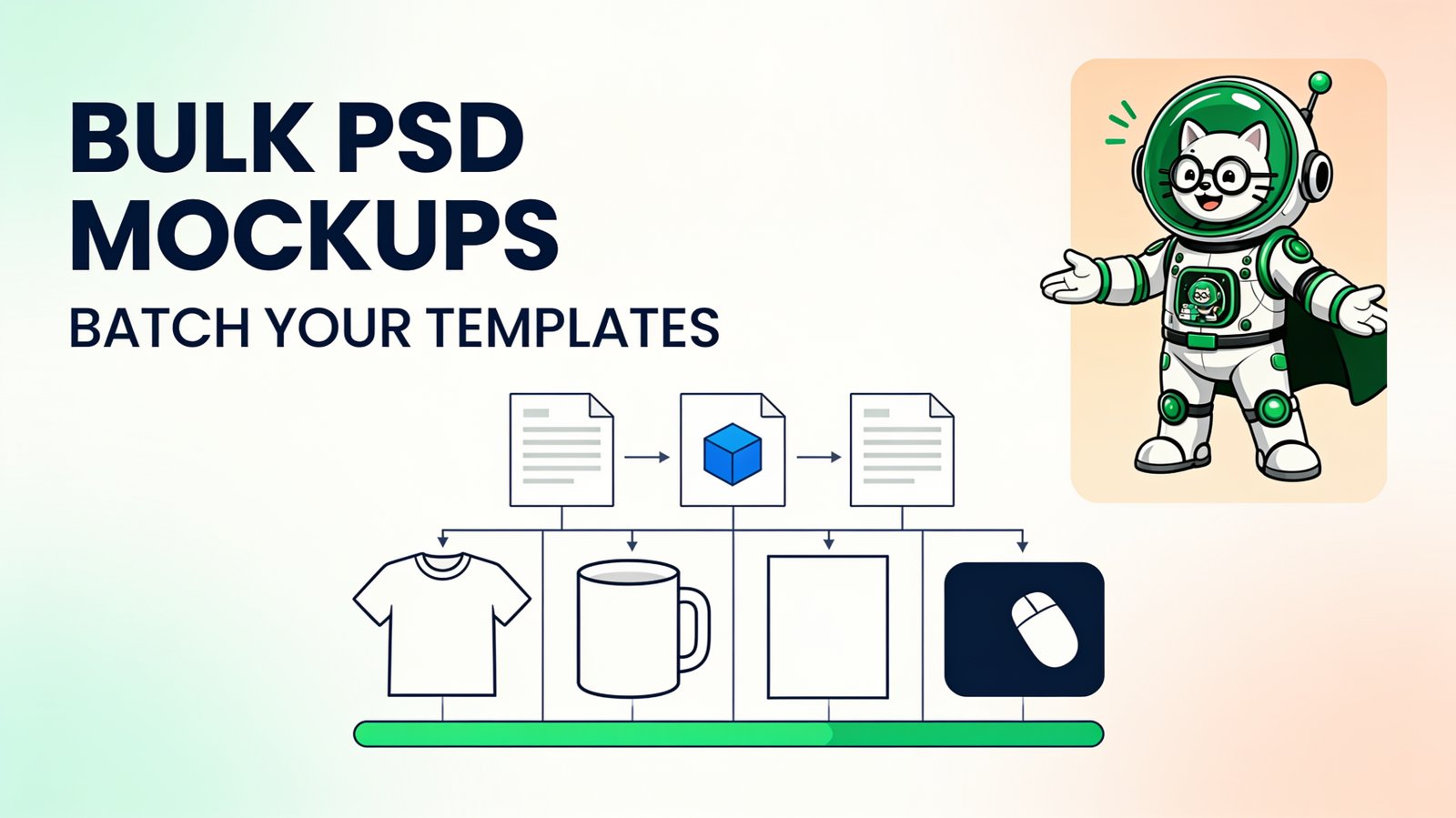
Bulk PSD mockups combine a folder of finished designs with one or more reusable PSD Smart Object templates, then generate the required design-template combinations automatically. This hub collects PodBulk's complete workflow: how to batch the files, calculate 100 or 1,000 outputs, target the correct layer, troubleshoot PSD problems, and verify a large download.
Choose the guide you need
| Your question | Definitive guide |
|---|---|
| How do I batch PSD mockups? | Bulk replace Smart Objects without Photoshop |
| How do I generate 100 or 1,000 files? | The 100/1,000 PSD mockup run plan |
| Is $7.99/month worth it? | PodBulk value math for sellers using their own PSD templates |
| How do design × template combinations work? | Combination math, chunking, storage, and QA |
| Why is my PSD output wrong? | Own-PSD compatibility and troubleshooting |
| Why is my Smart Object not updating? | 12 symptom-by-symptom PSD mockup fixes |
| Which layer should receive the design? | Multiple Smart Object targeting |
How a bulk PSD mockup job works
A PSD mockup separates the replaceable artwork from the scene. The artwork normally lives inside a Smart Object; lighting, texture, perspective, product color, and shadows remain in the parent PSD. Replacing the source lets the template preserve its visual treatment around a new design.
Adobe's manual workflow uses Replace Contents. A batch generator repeats the same production idea across a folder. The value is not that one replacement is difficult. It is that the fifth, fiftieth, and five-hundredth replacement should not require the same human setup.
How to batch PSD mockups
- Collect licensed layered PSDs. Keep untouched master copies and place production copies in a product-specific folder.
- Prepare final designs. Use clean PNG or JPG files and remove drafts, thumbnails, and print-only versions.
- Inspect the target layer. Confirm that it is a Smart Object and give it a distinct name when the PSD has several.
- Run a proof. Test pale, dark, wide, tall, and edge-heavy artwork against every template.
- Calculate the matrix. Multiply only the combinations the catalog truly needs.
- Generate in numbered runs. Match each run to the current plan limits and record the expected count.
- Verify and organize. Check every template and move only approved files into the publishing folder.
For the detailed interface and engine choices, follow the complete batch Smart Object guide.
Design x template automation
The basic formula is designs × templates = output mockups. If every design appears in every scene, 25 designs and four PSDs create 100 outputs. Fifty designs and twenty PSDs create 1,000. Front/back passes, real product-color variations, or other independent placements can multiply the total again.
Do not generate a full cross-product automatically when the products do not belong together. A square poster design may not fit a narrow tumbler placement, and an apparel print may need different artwork preparation for a mug. Use product families and mapping rules. Automation should produce valid inventory, not merely the largest ZIP.
How to generate 1,000 mockups from 50 designs
Fifty designs × twenty templates equals 1,000. PodBulk's current $7.99 paid plan supports 20 PSDs × 50 designs per run, so that complete matrix can fit in one run with unlimited monthly use. Very large or complex PSDs may still be divided into smaller traceable runs when local memory or QA makes that safer.
The full 1,000-mockup guide includes exact run cells, a manifest example, storage estimation, recovery rules, and layered QA. Measure a real proof batch before forecasting time or disk space; PSD complexity and export format matter.
PSD mockup troubleshooting
| Symptom | Likely cause | First check |
|---|---|---|
| Artwork appears on the wrong area | Several Smart Objects | Focus the exact target layer name |
| Artwork is stretched or cut off | Aspect-ratio or fit mismatch | Compare design ratio with the Smart Object canvas |
| Texture or warp disappears | Complex or unsupported PSD behavior | Try the fuller compatibility path and isolate the PSD |
| Output is blank | Hidden target, wrong layer, or invalid source | Verify visibility and test one file manually |
| Browser slows or reloads | Memory pressure from large PSDs | Close heavy tabs and reduce run size |
| Downloaded count is wrong | Skipped chunk or mixed inputs | Compare the run with the manifest |
Templates with linked displacement maps, nested sources, missing fonts, unusual filters, or multiple visible targets deserve individual proofing. Read the online PSD compatibility guide before committing a large catalog.
Local browser processing and privacy
PodBulk processes PSD templates and design files locally in the browser. That means the source files remain on the device rather than being uploaded to a render server. Local processing is useful for unreleased designs and licensed templates, but it also means the computer's memory and performance affect the job.
A cloud API is a different category. It can accept automated requests from a store or catalog system, but files are sent to provider infrastructure. Neither model is automatically right for every business. Choose based on volume, integrations, privacy, and who operates the workflow.
Quality control that scales
- Count every run against the design-template formula.
- Inspect at least one output from every PSD template.
- Check the first, middle, and last design in every chunk.
- Open known difficult proof files at full resolution.
- Scan a folder grid for blank or inconsistent thumbnails.
- Keep incomplete, rejected, and approved files separate.
Start with five, not one thousand
Open PodBulk, add one representative PSD and the proof pack, then inspect the five outputs. When the target, fit, effects, and export are correct, expand the same controlled method into numbered runs. Large mockup production becomes manageable when every input and expected output is known.
Frequently asked questions
What are bulk PSD mockups?
Bulk PSD mockups are product images created by replacing the artwork Smart Object across many designs, templates, or both. A design-template matrix turns repeatable PSD work into a controlled batch.
Can I batch PSD mockups without Photoshop?
Yes. A compatible browser renderer can read the replaceable Smart Object, place each design, and export the parent mockup. PodBulk performs this locally in the browser, although unusual PSD features should always be tested.
How many mockups do designs and templates create?
For a complete matrix, multiply designs by templates. Ten designs across ten PSDs create 100 mockups. Fifty designs across twenty PSDs create 1,000.
Do bulk mockups require special PSD files?
The PSD needs at least one real Smart Object used as the artwork container. A flattened JPG or PNG cannot provide the same replacement workflow.
What is the safest way to run a large batch?
Proof every template with difficult artwork, divide the matrix into numbered runs, record the expected count, keep the device awake, and sample every template after export.
Why does a PSD mockup batch fail?
Common causes include targeting the wrong Smart Object, incompatible effects, missing linked assets, aspect-ratio mismatches, insufficient browser memory, and mixing drafts with final designs.
Stop making mockups one by one
PodBulk turns your PSD templates + designs into bulk, listing-ready mockups right in your browser — no Photoshop, no install.