
How Many Photos Can You Add to an Etsy Listing? A 20-Image Mockup Plan
You can currently add up to 20 photos to one Etsy listing, plus up to two videos that are 5–15 seconds long. That does not mean every seller should upload 20 similar mockups. The useful question is: which buyer question does each image answer?
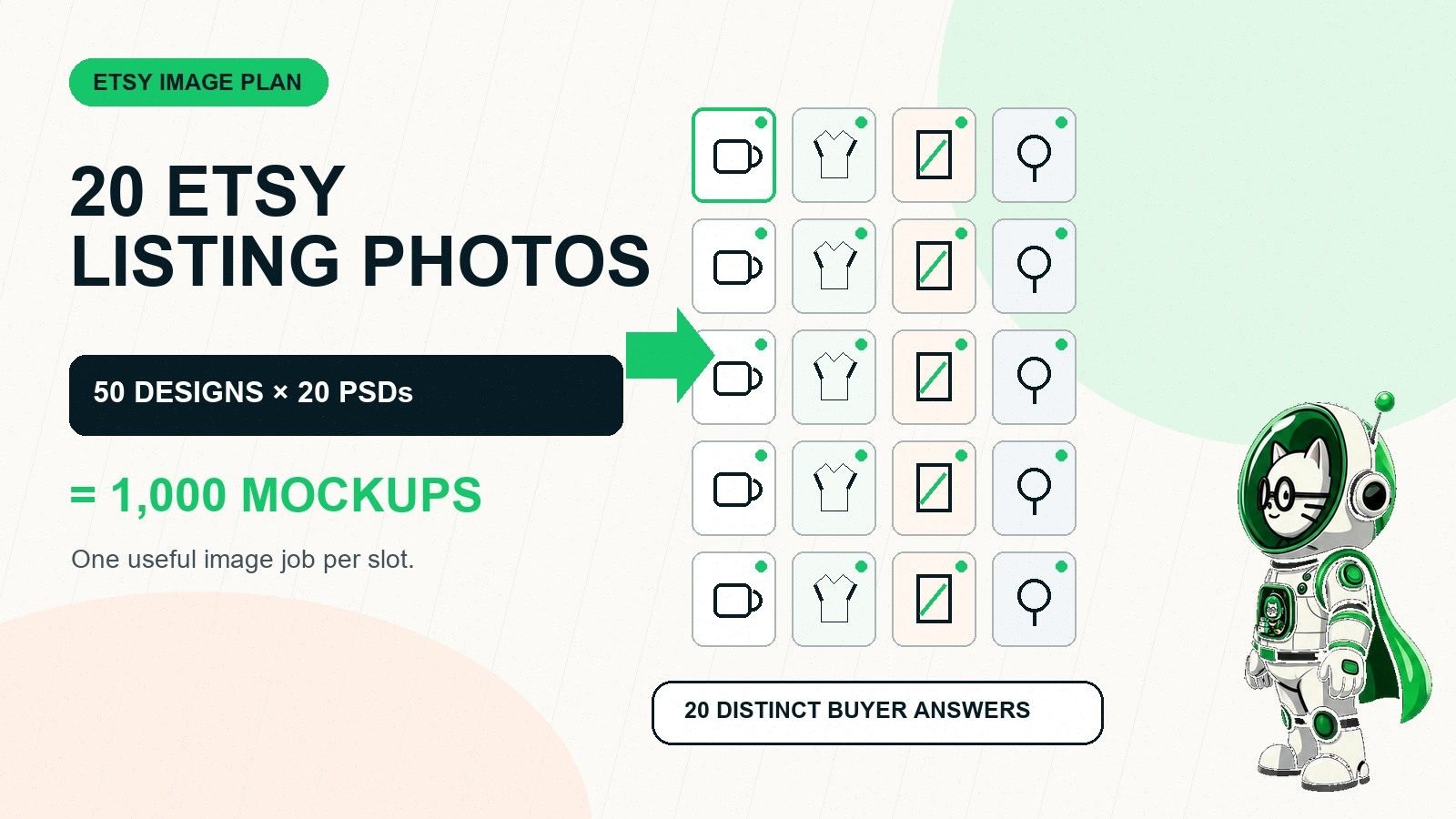
For a print-on-demand or design-led shop, Etsy's expanded photo limit creates a production challenge. Fifty designs multiplied by 20 image templates equals 1,000 listing images. Making those one by one can consume the time that should go into product research, listing copy, customer service, and quality control.
This guide gives you a slot-by-slot Etsy photo plan, current image requirements, and a PodBulk workflow for generating the PSD-based scenes in bulk without opening every template manually in Photoshop.
Etsy listing photo limit: the short answer
- Maximum: up to 20 photos and two short videos per listing.
- Recommended resolution: at least 2,000 pixels in width and height.
- First-image minimum: at least 635 pixels in both dimensions to avoid appearing lower in search.
- Best first-photo shape: horizontal or square, with the product centred and room for cropping.
- Bulk formula: 50 designs × 20 PSD templates = 1,000 mockups.
- Important: quality and accuracy matter more than filling every available slot.
How many Etsy listing photos do you actually need?
Etsy sets a maximum, not a target. A buyer does not receive extra clarity from five lifestyle mockups that show the same front view with slightly different plants in the background. A strong image earns its place by answering a question the earlier images did not answer.
A simple mug may need a clear primary image, two angles, a handle or print detail, a scale view, a colour chart, a care card, and a personalization example. A complex framed-print listing may need more room for size comparisons, frame colours, orientation, room scenes, close-ups, what's included, and digital-versus-physical clarification.
Start with eight essential images. Add more only when the product has a meaningful variation, feature, or buying objection to explain. If your set reaches 20, every slot should still have a job.
A practical 20-image Etsy mockup plan
| Slot | Image job | What it should answer | Best production method |
|---|---|---|---|
| 1 | Primary product image | What is this, and can I understand it at thumbnail size? | Hero PSD mockup or real product photo |
| 2 | Alternate lifestyle scene | How does it look in a different realistic setting? | PSD mockup |
| 3 | Close detail | Can I see the print, texture, stitching, edge, or finish? | Close photo or detail PSD |
| 4 | Scale context | How large will it feel in a hand, room, or outfit? | Accurate lifestyle mockup |
| 5 | Back or side view | What does the rest of the product look like? | Second product-angle PSD |
| 6 | Colour options | Which real product colours can I order? | Variation chart or accurate mockups |
| 7 | Size chart | Which size should I choose? | Reusable flat graphic |
| 8 | Material information | What is it made from? | Photo plus concise text graphic |
| 9 | Personalization example | Where will my name, date, or message appear? | PSD mockup with a clearly labelled example |
| 10 | How to personalize | What exactly should I type at checkout? | Reusable instruction graphic |
| 11 | What's included | Am I buying one item, a set, a file, or a framed product? | Flat graphic or accurate grouping photo |
| 12 | Packaging | Is it gift-ready, and what arrives in the box? | Real packaging photo |
| 13 | Second use case | Where else could this product fit? | PSD lifestyle mockup |
| 14 | Care instructions | How do I wash, clean, hang, or store it? | Reusable care graphic |
| 15 | Production or making process | How is the item designed or made? | Real process photo |
| 16 | Variation comparison | What changes between the selectable options? | Comparison graphic |
| 17 | Orientation or layout | Does the design come in portrait, landscape, front, or back? | PSD comparison mockup |
| 18 | Gift occasion | Who is this for, without changing the real product? | Lifestyle PSD or real photo |
| 19 | Important limitation | What should the buyer understand before ordering? | Clear, honest information card |
| 20 | Final confidence image | What final proof, angle, or instruction prevents hesitation? | The most useful remaining format |
This is a planning framework, not a mandatory sequence. A digital-download listing needs file-format, ratio, printing, and download instructions rather than packaging or fabric-care photos. A one-colour physical product does not need a colour chart. Remove irrelevant slots rather than inventing filler.
Current Etsy listing image requirements
Etsy's official listing-creation guide confirms the current 20-photo and two-video limit. Its separate image requirements and best practices provide several details that affect mockup production:
- Etsy accepts JPG, GIF, PNG, SVG, and HEIC shop images.
- Animated GIF files and transparent PNGs are not supported. Transparent areas may appear black.
- Listing photos should have a width and height of at least 2,000 pixels.
- The first listing photo should be at least 635 pixels wide and 635 pixels high.
- The first photo should be horizontal or square.
- Using the same shape across the set creates a more cohesive viewing experience.
- The subject needs extra space and a centred focal point because Etsy displays different thumbnail crops.
- Images larger than 1 MB can take longer or fail to upload on a slower connection.
- sRGB is the safest colour profile for consistent web display.
Requirements can change, so check the linked Etsy pages before rebuilding an entire catalog. Keep source PSDs larger than the final listing export so you can adjust compression and dimensions without damaging the template.
Plan the first Etsy photo for thumbnail clicks
The primary image has a different job from every other slot. It must communicate the product and design while small, cropped, and surrounded by competing listings. Fine print, distant products, complicated collages, and low-contrast artwork disappear first.
Test the image in square, portrait, and landscape crops. Keep the important product and design away from risky edges. Use enough negative space for Etsy's crop rather than adding a decorative border that makes the product smaller. A strong lifestyle scene can work, but it must not hide the product type or exaggerate its scale.
When you create a consistent hero scene for many listings, keep it in the same template position and filename pattern. That makes the primary image easier to identify during bulk listing preparation.
Which Etsy images should be PSD mockups?
PSD Smart Object templates are strongest when the design changes but the photographed scene remains consistent. Good candidates include hero scenes, alternate rooms, shirt angles, mug views, framed-print placements, packaging previews, and honest gift settings.
Not every image should be a mockup. Size charts, care instructions, what's-included cards, and personalization steps are usually easier to maintain as reusable graphics. Real photos are better for packaging, materials, process, and any feature a template cannot represent accurately.
A hybrid set often works best:
- five to ten branded PSD mockup scenes;
- two or three reusable information cards;
- real photos where accuracy requires them;
- an optional listing video produced separately.
The POD mockup hub explains when provider images, custom PSDs, and real photography solve different parts of the listing.
How 50 designs and 20 PSD templates become 1,000 mockups
The production formula is simple:
50 approved designs × 20 compatible PSD templates = 1,000 mockup images.
PodBulk's current paid plan accepts up to 20 PSDs and 50 designs per run. It is $7.99 per month with unlimited use and no monthly mockup limit. That capacity matches Etsy's current maximum photo count, but it should be treated as a maximum matrix—not a reason to upload every generated scene.
PodBulk processes compatible PSD Smart Objects locally in the browser. Your source PSDs and designs remain on your device during rendering. The app creates organized local downloads instead of requiring you to open, edit, and export each PSD manually.
For the detailed production system, see how to generate 1,000 mockups from PSD templates.
A safe PodBulk workflow for Etsy listing images
1. Number the useful templates
Name the files according to their listing role: 01-hero.psd, 02-lifestyle.psd, 03-detail.psd, and so on. Do not put size charts or other non-mockup graphics into the PSD batch merely to reach 20.
2. Confirm the Smart Object target
Use Auto Detect for a simple PSD with one clear target, Focus for one exact case-sensitive layer name, or multiFocus when the same design belongs in a named family such as mock_1, mock_2, and mock_3. The PodBulk Smart Object modes guide explains the choice.
3. Run a five-design proof
Test light, dark, wide, tall, and edge-heavy artwork across the whole template set. Check crop, transparency, contrast, placement, realistic scale, shadows, and product colour. Fix the template once before it multiplies an error across 50 designs.
4. Generate the approved matrix
Add the final design folder and compatible PSDs, choose the correct targeting mode, and generate. Very large PSDs, effects, browser memory, and computer speed affect performance. Split a heavy set into numbered runs when reliability and recovery are better than one giant batch.
5. Organize by design and slot
Use predictable names so the hero, lifestyle, and detail images stay in the correct order. Keep original designs, print-ready production files, listing mockups, and information cards in separate folders.
6. Review like an Etsy buyer
Inspect the primary image at phone size, then review full resolution. Confirm that every scene represents a product, colour, placement, accessory, and scale the buyer can actually receive. Automation creates files; it does not approve claims.
Common Etsy photo mistakes
- Twenty near-duplicates: more files without more buyer information.
- Misleading scale: artwork or product shown larger than the real item.
- Wrong variation: a mockup colour or product model the listing cannot supply.
- Text too small: an information card designed for desktop instead of phone viewing.
- Unsafe crop: important design content placed at the image edge.
- Transparent listing export: unexpected black areas after upload.
- Print file mixed with mockups: a compressed lifestyle image accidentally sent to production.
- No proof batch: one template error repeated hundreds of times.
Do 20 Etsy photos automatically improve search ranking?
No published Etsy rule says that filling all 20 photo slots automatically raises a listing's position. Search visibility depends on more than image count, and a seller should not treat extra mockups as a ranking shortcut. The practical value of a useful image set is that it can help the right shopper understand the item, choose a variation, and avoid a surprise after purchase.
Measure the result instead of assuming it. Watch whether shoppers reach the listing, favourite it, ask repeated questions, or purchase after you improve the images. If buyers keep asking about size, add a clearer scale view or size chart. If they confuse a digital download with a physical item, make that distinction visible near the beginning of the set. If the hero image receives impressions but weak clicks, test a clearer thumbnail while keeping the product representation accurate.
Bulk generation makes testing affordable, but it does not remove judgment. Change one meaningful element at a time, keep the better version, and use the saved production time to improve the listing rather than padding it.
Final answer
Etsy gives you up to 20 listing-photo slots, but the best number is the number needed to answer the buyer's real questions. Build the set around clarity: product, angle, detail, scale, variations, size, material, personalization, what's included, care, and buying limitations.
Use real photos and reusable information cards where they are more accurate. Use compatible PSD Smart Object templates for the scenes that repeat across designs. Once those templates are proven, open PodBulk and turn a 50-design × 20-template plan into organized mockups without doing 1,000 manual replacements.
Frequently asked questions
How many photos can you add to an Etsy listing?
Etsy currently allows up to 20 photos per listing. Etsy also allows up to two listing videos, each 5–15 seconds long. You do not have to fill every slot; each image should help a buyer understand the product, variation, scale, material, use, or purchase terms.
What size should Etsy listing photos be?
Etsy recommends listing photos with a width and height of at least 2,000 pixels. It says the first listing image should be at least 635 pixels in both width and height to avoid appearing lower in search. Keep the important subject near the centre with extra space for thumbnail crops.
Should I use all 20 Etsy photo slots?
Only when all 20 images add useful information. A clear set of eight or twelve distinct images is stronger than 20 nearly identical scenes. Start with the buyer questions for your product and use the number of images needed to answer them honestly.
What should the first Etsy listing photo show?
The first image should make the product and design understandable at thumbnail size. Etsy recommends a horizontal or square first photo, a centred focal point, and enough space to survive square, portrait, and landscape crops. Avoid tiny text and misleading props.
Can PodBulk make 20 Etsy mockups for every design?
Yes, when you have 20 compatible PSD Smart Object templates. PodBulk's paid plan currently accepts up to 20 PSDs and 50 designs in one run, which produces a 50 × 20 matrix of 1,000 mockups. Proof the templates first and split unusually heavy jobs when local memory makes smaller runs safer.
Does PodBulk create Etsy listing videos?
No. PodBulk generates still mockup images from compatible PSD templates. Etsy listing videos require a separate video workflow. Size charts, care cards, and policy graphics may also be better created as reusable flat graphics rather than PSD mockup scenes.
Can I use transparent PNG listing images on Etsy?
Etsy accepts PNG files, but its current image guidance says transparent PNGs are not supported and transparent areas can appear black. Export a finished listing image with the intended background. Keep the transparent production artwork separate from the customer-facing mockup.
Stop making mockups one by one
PodBulk turns your PSD templates + designs into bulk, listing-ready mockups right in your browser — no Photoshop, no install.