
POD Mockups: Etsy, Printify, Printful and Product Image Workflows
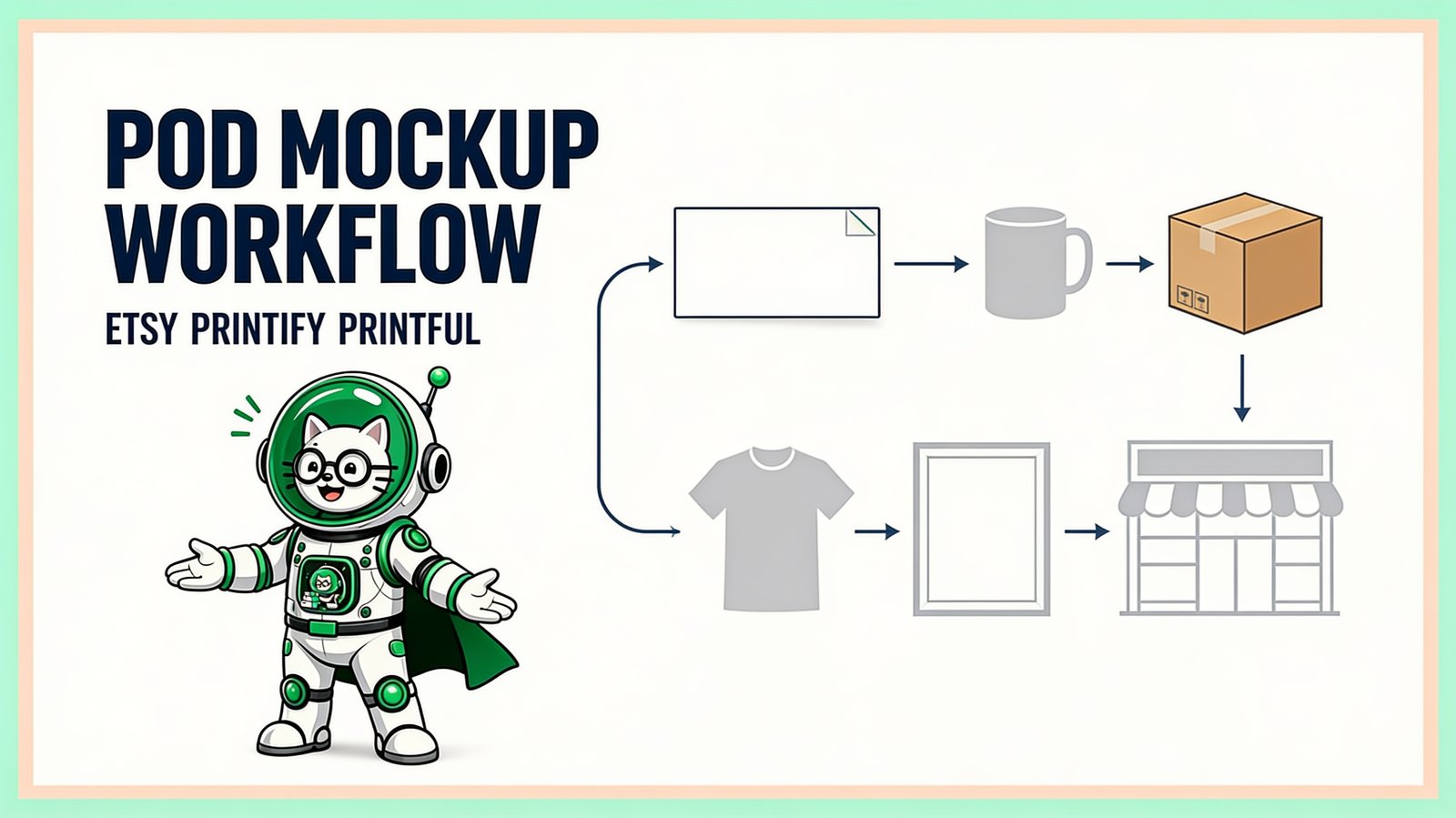
POD mockups show shoppers how a print-on-demand design should appear on a finished product. The fastest reliable workflow uses provider-generated images where product accuracy matters, custom PSD mockups where brand presentation matters, and a batch system when the same approved scenes must be applied to many designs.
Choose your POD mockup guide
| Topic | Definitive guide |
|---|---|
| Etsy mockups | Bulk Etsy listing-image workflow, PSD template mockup workflow, and guide français des mockups PSD en lot |
| Printify mockups | Printify vs custom Photoshop/PSD mockups |
| Printful mockups | Printful Mockup Maker vs custom PSD templates |
| T-shirt mockups | T-shirt PSD mockups and browser batching |
| Complete POD workflow | Bulk POD product-image pipeline |
The three jobs a POD image must do
A good product image must be accurate, so buyers are not misled; clear, so the product and artwork are understandable at thumbnail size; and consistent, so a store looks deliberate across many listings. One scene does not always accomplish all three.
Provider mockups connect directly to known catalog products and placement data. Custom PSD scenes can offer distinctive photography and a consistent brand. A practical listing may use both: an engaging primary scene plus accurate supporting views.
Etsy mockups
Etsy is a marketplace, not a fulfillment provider. Sellers usually source mockups from their production partner, licensed template creators, or their own photography. A useful Etsy image set can include a clear primary image, alternate angle, detail view, scale context, and genuine product variations.
Etsy currently allows up to 20 listing photos, but do not fill every available slot with repeated decoration. Each image should answer a buyer question. Use the 20-image Etsy listing plan to assign each slot a job. The bulk Etsy mockup guide covers template libraries, proof packs, design folders, output organization, and phone-size review.
Printify mockups
Printify's product workflow can generate catalog-linked previews after artwork is placed on a selected product. This is convenient and helps align images with the configured product. The visual range and presentation remain connected to the provider's available product mockups.
A custom PSD can be useful when a seller needs a scene that matches an established brand or wants the same visual system across products and channels. The safest approach is to verify the custom scene against the actual Printify product and placement. Read Printify mockups vs PSD mockups for the decision.
Printful mockups
Printful's current Design Maker lets a user pick a catalog product, add a design, save a product template, and create mockups. Its Custom Mockup Maker offers reusable scenes with backgrounds, props, and styles; Printful's help documentation states that custom mockups can be downloaded at 2000 × 2000 pixels and used across integrations.
That is often the best starting point for product-linked accuracy. Your own PSD templates become valuable when a store needs licensed photography, a look that exists outside the provider's scene system, or the same branded framing across marketplaces. Compare them in Printful Mockup Maker vs custom PSD templates.
T-shirt mockups
T-shirts are a common bulk case because each design may need several garment colors, front/back placements, and lifestyle views. Start with one product and one placement. Test pale and dark artwork, verify realistic print size, and keep genuine product colors separate.
For reusable photography, a PSD Smart Object lets the scene preserve fabric texture and perspective while the design changes. See the t-shirt mockup guide for Photoshop and browser routes.
The complete POD workflow
- Finalize production artwork. Follow the current print provider specifications.
- Create stable design and product IDs. Do not rely only on changing listing titles.
- Choose accurate image sources. Provider mockups, custom PSDs, or original photography.
- Proof each product family. Confirm placement, color, crop, scale, and texture.
- Batch reusable PSD scenes. Process clean design folders in traceable runs.
- Create channel derivatives. Resize and crop approved masters for the current channel requirements.
- Review before publishing. Check the listing at small size and compare it with the product configuration.
The full bulk POD mockup workflow adds naming, manifests, multi-product examples, and QA gates.
Provider mockups or custom PSDs?
| Priority | Provider mockup | Custom PSD mockup |
|---|---|---|
| Fast product-linked setup | Usually strongest | Requires template preparation |
| Unique branded photography | Limited to available scenes/tools | Strong when you own or license the scene |
| Bulk reuse across channels | Depends on provider workflow | Strong with a design-template batch |
| Product accuracy | Strong when generated for the configured product | Must be manually verified |
| Creative control | Within provider options | High, subject to PSD and renderer compatibility |
POD mockup mistakes to avoid
- Showing a product color or placement the provider cannot fulfill.
- Using lifestyle scale that makes the print appear larger than it is.
- Sending compressed listing mockups as print files.
- Using the same art ratio for every product without checking fit.
- Publishing a full batch before proving every template.
- Assuming a provider's catalog or interface will never change.
Build the repeatable layer
Printful and Printify handle fulfillment; Etsy or Shopify handles selling; PodBulk handles repeatable image production from your own compatible PSD templates. These tools solve different parts of the business. Open PodBulk to proof one branded scene, then expand only after it matches the real product.
Frequently asked questions
What is a POD mockup?
A print-on-demand mockup is a customer-facing image that previews artwork on a product before it is manufactured. It is separate from the print-ready file sent to the production partner.
Should I use Etsy, Printify, or Printful mockups?
Etsy is the sales channel, while Printify and Printful are production platforms with catalog-linked mockup tools. Use accurate provider mockups for product confidence and custom PSD scenes when stronger visual branding is needed.
Can I make POD mockups in bulk?
Yes. Reusable PSD Smart Object templates can be paired with design folders to create multiple product images in controlled batches.
Are mockups the same as print files?
No. Print files must satisfy the production partner's specifications. Mockups are compressed presentation images for shoppers. Keep them in separate folders.
How do I keep POD mockups accurate?
Match the correct product, color, placement, print method, and scale. Use the provider's current product guidance and inspect every template before publishing.
Can PodBulk replace Printful or Printify?
No. PodBulk is an image-production tool, not a fulfillment provider. It complements Printful or Printify by helping sellers create branded mockups from their own PSD templates.
Stop making mockups one by one
PodBulk turns your PSD templates + designs into bulk, listing-ready mockups right in your browser — no Photoshop, no install.