
Printful Mockups vs Custom PSD Mockups: When to Use Each
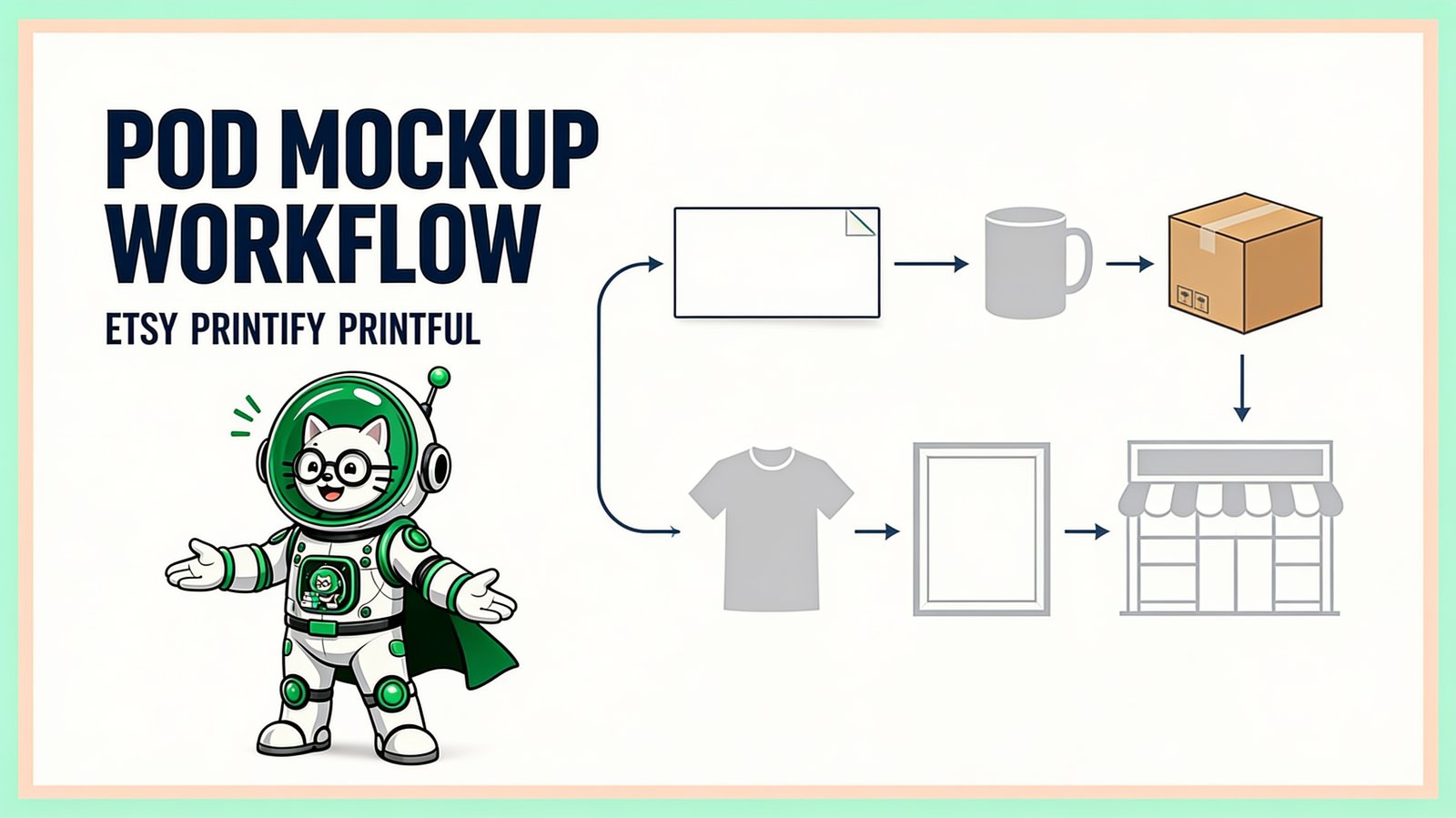
Use Printful's mockup tools when you want fast product-linked previews; use custom PSD mockups when you need your own photography or a consistent brand look across channels. Many stores benefit from both: a distinctive primary scene plus accurate supporting images tied to the configured product.
This is not a fulfillment comparison. Printful manufactures and ships products. PodBulk helps batch compatible PSD product images. The tools operate at different points in the workflow.
Quick decision
| Need | Start with |
|---|---|
| Fast mockups tied to a Printful catalog product | Printful Design Maker |
| Reusable backgrounds, props, and scene styling within Printful | Printful Custom Mockup Maker |
| Your own licensed PSD photography | Custom PSD + PodBulk or Photoshop |
| Many designs across approved PSD scenes | PodBulk batch workflow |
| Building or repairing a complex PSD | Photoshop or a full PSD editor |
What Printful's current mockup tools provide
Printful's official Design Maker workflow lets a user pick a product, add a design, save a product template, and sell or order it. Because the workflow begins with a Printful catalog product, it is convenient for product setup and preview creation.
The official Custom Mockup Maker documentation describes scene templates, reusable scenes, backgrounds, props, and styles. Printful states that custom-created mockups work across integrations and can currently be downloaded at 2000 × 2000 pixels.
Features, products, and interfaces change. Confirm the live Printful documentation and product configuration before making promises to shoppers.
What a custom PSD mockup provides
A custom PSD can be based on your own product photography or a commercially licensed scene. The artwork sits in a Smart Object while the parent PSD preserves perspective, product texture, masks, lighting, and shadows. Replacing the Smart Object lets the same visual system be used for a collection.
The advantage is creative control. The risk is product mismatch. A beautiful scene is not useful if it shows the wrong garment cut, material, label, print size, color, or placement. Custom mockups must be validated against the actual product and production method.
Printful mockups vs custom PSDs
| Factor | Printful mockup tools | Custom PSD workflow |
|---|---|---|
| Product setup | Connected to Printful catalog workflow | Separate manual mapping |
| Scene control | Within available standard/custom scene options | High with owned or licensed PSD photography |
| Brand consistency across channels | Reusable scenes can help | Strong when the same PSD system is used everywhere |
| Batching many designs | Depends on current Printful workflow | Design × template batches with a compatible tool |
| Product accuracy | Strong starting point when tied to configured product | Must be verified manually |
| PSD ownership | No PSD required for provider workflow | You supply and manage the PSD |
A hybrid listing-image set
A balanced product listing can use:
- a branded custom lifestyle scene as the primary image when it accurately represents the product;
- a Printful product-linked front view;
- a back or alternate angle where relevant;
- a close detail of print or material;
- accurate variation images;
- a size, care, or ordering graphic where it answers a buyer question.
Every image should add information. Do not mix visually attractive scenes with inaccurate product claims.
How to batch branded Printful listing mockups
- Configure the real Printful product. Confirm printable area, product color, placement, and current file guidance.
- Create a reference mockup. Use Printful's tools to understand how the design should appear on the selected product.
- Choose a matching PSD scene. The garment or object must realistically represent that product.
- Proof difficult designs. Test pale, dark, wide, tall, and edge-heavy art.
- Batch the approved PSD. Use PodBulk to apply the design folder to one or more approved scenes.
- Review every template. Confirm scale, color, crop, texture, and resolution.
- Combine provider and custom views. Put only accurate approved files into the listing folder.
When Printful's own tools are enough
Stay inside Printful when speed, simplicity, and catalog-linked output matter more than external PSD control; when the available scenes already fit the brand; or when the store is validating a new product and does not yet need a large custom image system.
When custom PSDs add value
Use custom PSDs when the store owns distinctive product photography, requires the same framing across Etsy and Shopify, has an approved brand scene library, or must generate many designs through a repeatable design-template matrix.
Do not choose custom merely to look different. Choose it when the scene improves understanding or brand consistency without reducing accuracy.
Common mistakes
- Using a generic shirt PSD for a visibly different Printful garment.
- Showing a print larger than the actual placement allows.
- Using mockup files as production print files.
- Publishing color variants that were not configured.
- Assuming a provider feature or resolution will never change.
- Batching before proving the PSD template.
The bottom line
Printful's mockup tools are the product-linked foundation; custom PSDs are the optional branded presentation layer. Use the POD mockup hub to connect Etsy, Printify, Printful, t-shirt, and catalog workflows, or test one approved PSD in PodBulk.
Frequently asked questions
Does Printful have a mockup generator?
Yes. Printful's Design Maker can create product templates and mockups, and its Custom Mockup Maker adds reusable scenes, backgrounds, props, and styles.
What resolution are Printful custom mockups?
Printful's current Custom Mockup Maker help page states that custom mockups can be downloaded at 2000 by 2000 pixels. Verify current documentation before planning a large catalog.
Why use a custom PSD instead of Printful's mockups?
A custom PSD can use your own or licensed photography and preserve a distinct visual style across products and marketplaces. It must be checked carefully against the real Printful product.
Can I use Printful and PodBulk together?
Yes. Use Printful for product setup, fulfillment, and accurate catalog-linked previews, then use PodBulk to batch additional approved branded PSD scenes when needed.
Does PodBulk replace Printful?
No. PodBulk is an image-production tool. Printful provides products, production, and fulfillment. They solve different tasks.
Which mockup should be my main listing image?
Choose the accurate image that communicates the product and design most clearly at thumbnail size. A custom lifestyle scene can be effective, but include supporting views that confirm the actual product and placement.
Stop making mockups one by one
PodBulk turns your PSD templates + designs into bulk, listing-ready mockups right in your browser — no Photoshop, no install.