
Why PodBulk at $7.99/Month Is Worth It Before Mockup Tools Cost More
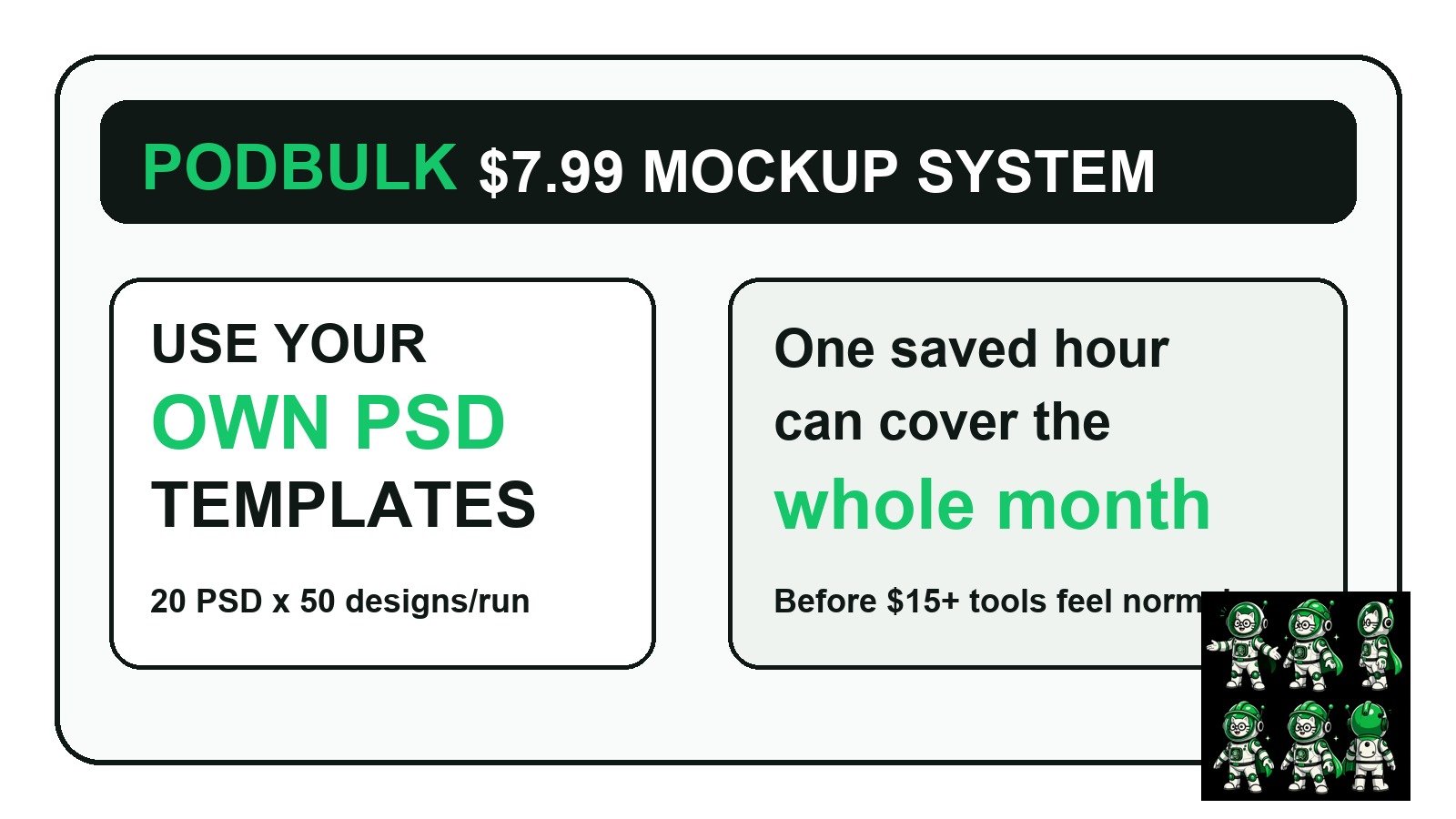
PodBulk is currently a $7.99/month mockup production tool for sellers who already have PSD templates and want to turn them into repeatable product images. If you make Etsy, POD, poster, mug, mouse pad, shirt or digital-product mockups by hand, one saved hour can cover the month.
This is not a fear article. Nobody should buy software only because a price might change later. The smarter way to think about it is simple: if a tool helps you turn your own PSD templates into organized mockups faster, while the price is still low, you get time back now and you learn the workflow before the market gets more expensive.
The short version
- Current paid plan: PodBulk is $7.99/month at the time this article was written.
- Best use: bulk mockups from your own compatible PSD Smart Object templates.
- Run size: the paid workflow supports up to 20 PSD templates by 50 designs in one run.
- Privacy: supported PSD/image processing runs locally in the browser instead of sending source files to a rendering server.
- Value math: at $20/hour, saving even 24 minutes is about $8 of time.
Why $7.99 matters for a mockup workflow
Most sellers do not lose because they cannot make one good mockup. They lose because repeating that mockup across 40, 200 or 1,000 products becomes boring, slow and easy to abandon. The real cost is not only money. It is the number of product ideas that never get listed because the image work feels too heavy.
At $7.99/month, PodBulk sits in the “try it on a real batch” zone. If similar tools in the market settle around $15/month or more later, the seller who already has a clean template workflow has an advantage: they know their folders, naming, PSD targets, proofing process and output checks already.
The $20/hour comparison
Use a simple number. If your time is worth $20/hour, 24 minutes of saved manual work is worth about $8. That means one small saved session can cover a month of PodBulk. If a freelancer is doing mockups by hand, or if you are staying up late manually replacing Smart Objects, the math becomes obvious very quickly.
Manual mockup work is not useless. Human review still matters. But the human should approve the design, check the output and improve the listing. The human should not spend the night doing the same PSD replacement hundreds of times.
PodBulk mockups using your own templates
The best part of PodBulk is not that it gives you generic mockups. It lets you use your own compatible PSD mockup templates. That means your store can keep one branded creative style: the same lighting, same desk setup, same wall poster scene, same mug angle, same mouse pad scene, same frame style, or same product layout.
Instead of rebuilding the creative look for every product, you build the template once. Then PodBulk becomes the production layer. You bring the PSD templates, bring the design images, choose the Smart Object target, run the batch and download organized outputs locally.
Why using your own PSDs is stronger than generic mockups
Generic mockup libraries are useful when you need speed and do not care about brand consistency. But sellers who want a recognizable shop style eventually need their own scenes. A consistent template system makes your listings look intentional instead of random.
This is especially important for Etsy and print-on-demand stores. Buyers compare thumbnails fast. If every product uses a different crop, background, lighting and angle, the shop can feel messy. If your templates are consistent, the shop looks more trustworthy even before the buyer reads the description.
Focus and multiFocus are where the speed becomes practical
PodBulk's Smart Object targeting matters because real PSD files are not always simple. Some have one Smart Object. Others have several: front, back, label, sleeve, screen, frame, reflection or repeated product placements.
With Focus, you can target one exact Smart Object layer name when the PSD has multiple choices. With multiFocus, you can target every Smart Object whose name shares a prefix, such as mock_, and place the same design into all matching targets in one pass. That is useful for framed-wall scenes, product bundles, mug sets, poster walls and multi-placement layouts.
For the deeper layer-name rules, read the PodBulk Smart Object modes guide.
20 PSD templates by 50 designs: why that is enough for real sellers
A paid run can combine up to 20 PSD templates by 50 designs. That is a 1,000-output matrix. For a seller, that could mean 50 poster designs across 20 room scenes, 50 mug graphics across multiple mug angles, or 50 mouse-pad designs across a small library of desk templates.
Should every seller run 1,000 outputs every time? No. Smart sellers proof first. Run one difficult design through one template, then a small proof pack, then the full batch only after the results look right. The 1,000 mockup production guide explains how to count, chunk and verify bigger runs.
Why browser-based local processing is a serious advantage
Privacy is not only a legal word. It is also a seller problem. Your unreleased designs, client artwork and paid templates should not be uploaded everywhere casually. PodBulk processes supported files locally in your browser and downloads finished files back to your device.
That local workflow also feels faster for many day-to-day tasks because you are not waiting on a remote rendering queue for every ordinary batch. Your computer still matters, and very heavy PSD files should be tested carefully, but the workflow is built around direct seller production instead of cloud infrastructure.
Why scripts are not always the answer
Yes, ChatGPT or Claude can help write Photoshop scripts. A developer can build a custom automation. But if your goal is to earn from products, spending days debugging scripts can be the wrong game. Scripts also usually require Photoshop, which is another paid tool, another app to maintain and another source of errors when files are complex.
PodBulk is for the seller who wants the result: replace the Smart Object, generate the mockups, keep the files organized and move on to listings. If later you need custom development, fine. But most shops should not begin with code when a purpose-built workflow already solves the common job.
Who should invest in PodBulk now?
- Etsy sellers building many listings from the same visual system.
- POD sellers using posters, mugs, shirts, mouse pads, wall art or digital products.
- Freelancers who prepare mockup batches for clients.
- Designers who own PSD templates and want a no-Photoshop production path.
- Small brands that want consistent product images without hiring repetitive manual labor.
When PodBulk is not the right fit
PodBulk is not a full Photoshop replacement. It is not meant to paint, retouch, rebuild a PSD or invent the creative direction. You still need a compatible PSD template and good design files. If the template is broken, if the Smart Object is named strangely, or if the mockup scene is misleading, automation will not magically make it a good product image.
The best workflow is: create or buy a good PSD template, proof it, name the target layer clearly, test with hard designs, then scale. That keeps automation honest.
The best way to test the value
Do not start with your entire catalog. Choose one real product family. For example: 10 poster designs and 3 room templates, or 20 mug designs and 4 mug templates. Time how long the manual Photoshop process takes. Then time a PodBulk proof and batch run. The difference tells you whether the $7.99/month plan is worth it for your shop.
2026 update: where PodBulk Vortex fits
For the workflow described in Why PodBulk at $7.99/Month Is Worth It Before Mockup Tools Cost More, Vortex is the current PodBulk option for moving supported PSD rendering to the cloud. Vortex adds a cloud PSD mockup route for Premium users, alongside PodBulk's browser tools, Focus and multiFocus targeting, Complex mode and Workflow. The practical benefit is less repetitive PSD rendering on the seller's own computer.
Start with the Vortex guide, then use Workflow when mockups are only one step in the product-image process.
Final answer
If PodBulk saves one small manual mockup session, the current $7.99/month price can pay for itself. If it helps you keep using your own branded PSD templates across hundreds of product images, the value is bigger than the monthly fee: it protects your energy, speeds up listing creation and keeps your shop style consistent.
Start with a proof in PodBulk, check the current $7.99 pricing details, then build a repeatable template system instead of doing every mockup by hand. The next practical step is the Etsy POD mockup workflow using your own PSD templates.
Frequently asked questions
Is PodBulk really $7.99 per month?
At the time this guide was written, PodBulk's paid plan is shown at $7.99 per month. Always check the live pricing page before buying.
Why is PodBulk worth it if I can make mockups manually?
Manual mockups are fine for a few products. PodBulk becomes valuable when the same PSD replacement must be repeated across many designs, templates and listings.
Can I use my own PSD mockup templates?
Yes. PodBulk is built around compatible PSD templates with Smart Object layers, so sellers can keep their own branded mockup style.
How many mockups can I make in one paid run?
The paid workflow supports up to 20 PSD templates by 50 designs in one run, which can create up to 1,000 outputs when the files are suitable.
Does PodBulk replace Photoshop completely?
No. PodBulk is a production tool for repeatable mockup generation and bulk image tasks. Photoshop is still a full creative editor.
Do my PSD files upload to a server?
PodBulk processes supported files locally in the browser, which helps keep unreleased designs, paid templates and client artwork on your device.
Should I buy PodBulk before other tools get more expensive?
Buy because the workflow saves you time now, not only because prices in the category may rise. If one saved hour is worth more than the monthly price, the decision is easier.
Stop making mockups one by one
PodBulk turns your PSD templates + designs into bulk, listing-ready mockups right in your browser — no Photoshop, no install.